 InsightViz
Word Frequency Dashboard Gadget
This gadget for Jira dashboards provides a succinct visual representation of word frequencies within project-related content, enabling efficient analysis and identification of key terms.
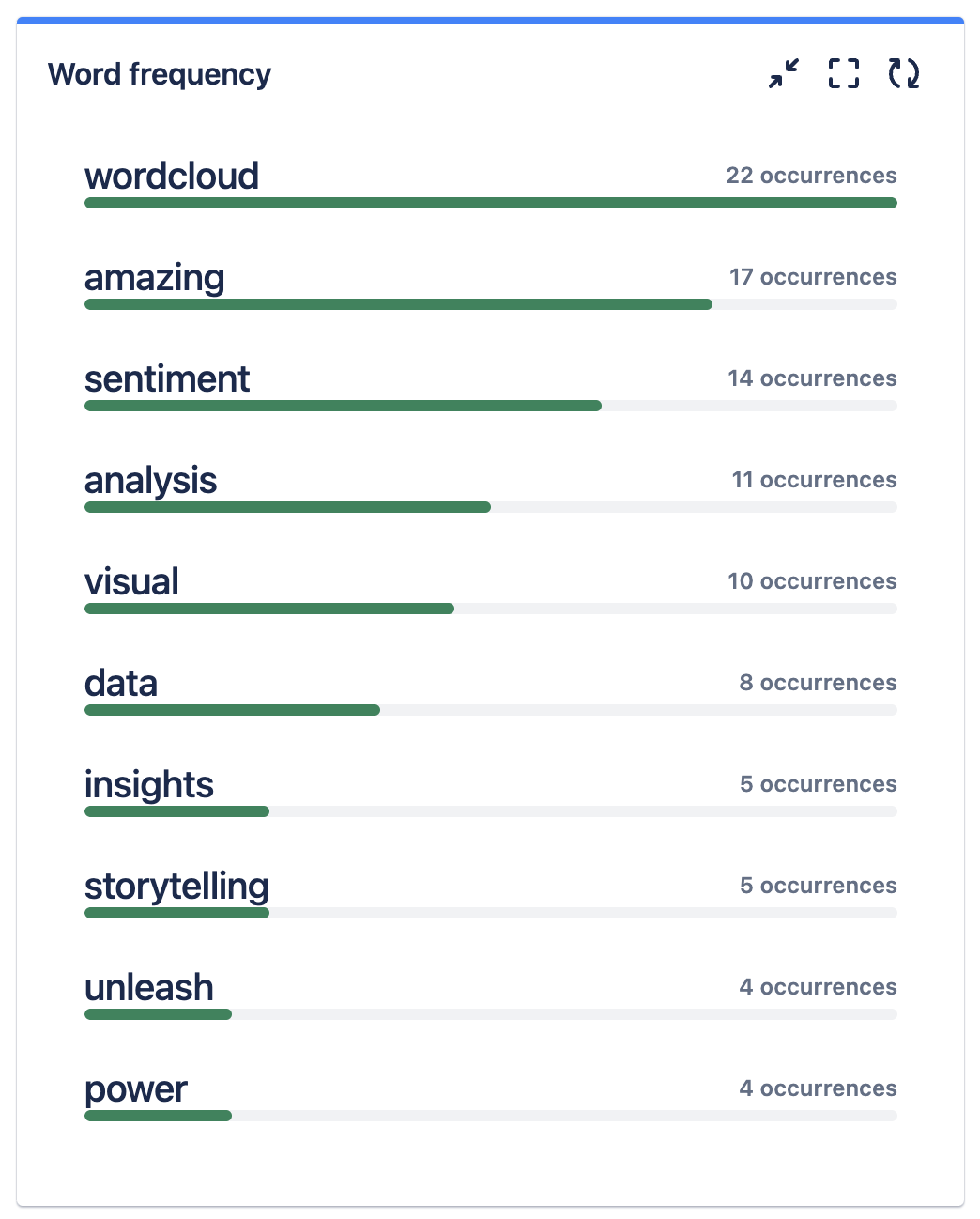
Adding the Word Frequency gadget to your Dashboard
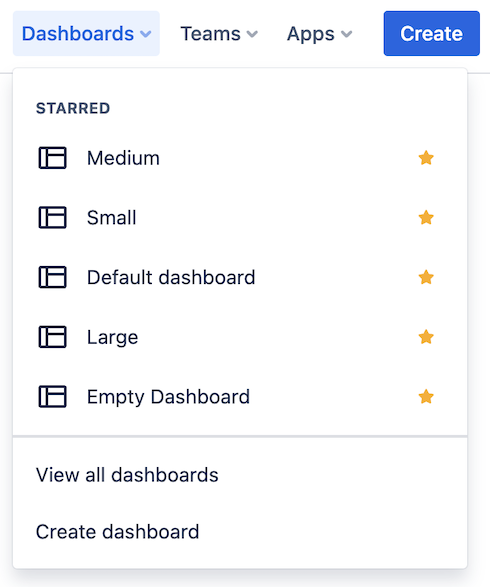
- Go to Jira Dashboards and either create new or select an existing one.
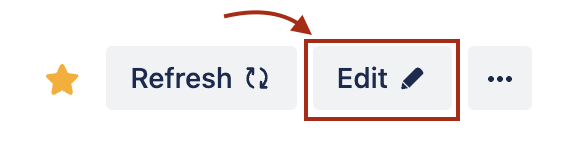
- Click the Edit button in the top right in the Dashboard view.
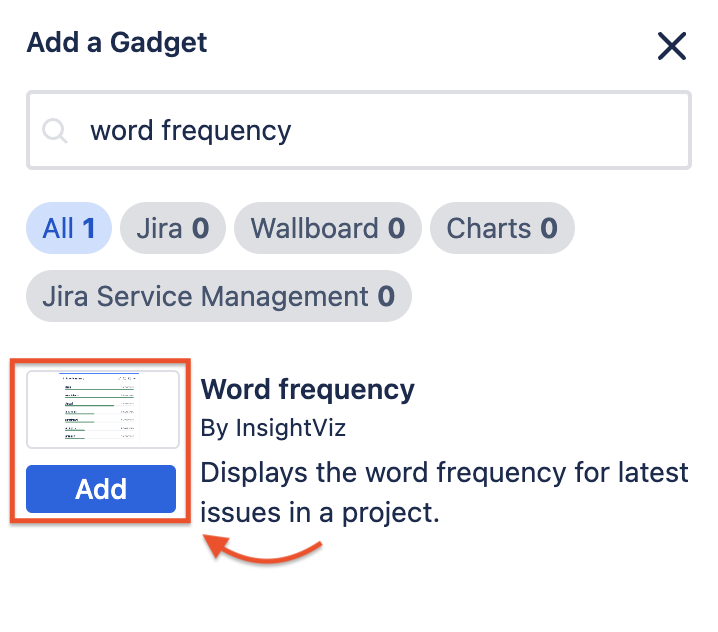
- Find the Wordcloud gadget in the search by typing ‘Wordcloud’, click ‘Add’
- Your Gadget is added to the Dashboard and you can configure it before displaying a wordcloud.
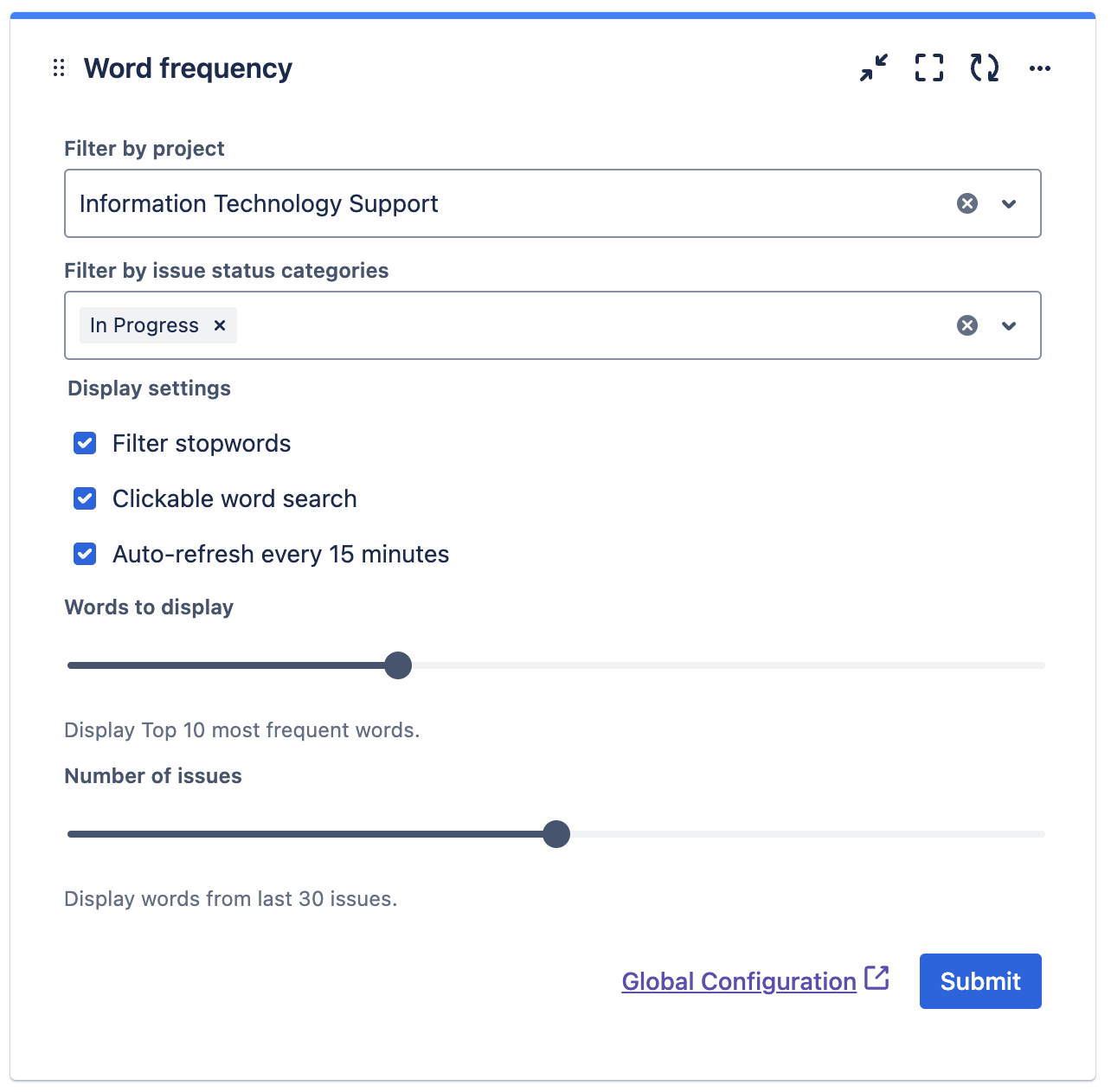
- Configuration options:
- Filter by Project: Select a Jira project for the gadget to display from.
- Filter by issue status categories: Filter by zero, one or more issue status categories (To Do, In Progress Done).
- Filter stopwords: If enabled, common stopwords like ‘from, to, hello, I, you’ are removed from the wordcloud
- Auto-refresh every 15 minutes: If enabled, the gadget will generate a new wordcloud every 15 minutes using newer Jira issues if available.
- Words to display: You display between 5-20 most frequently occuring words.
- Number of issues: You can select between 10 and 50 issues to display wordcloud from.
- Go to Global configuration to add custom stopwords that will be removed from any visualisations in the app.
- Once configured, press submit and your Wordcloud will be displayed on your dashboard.
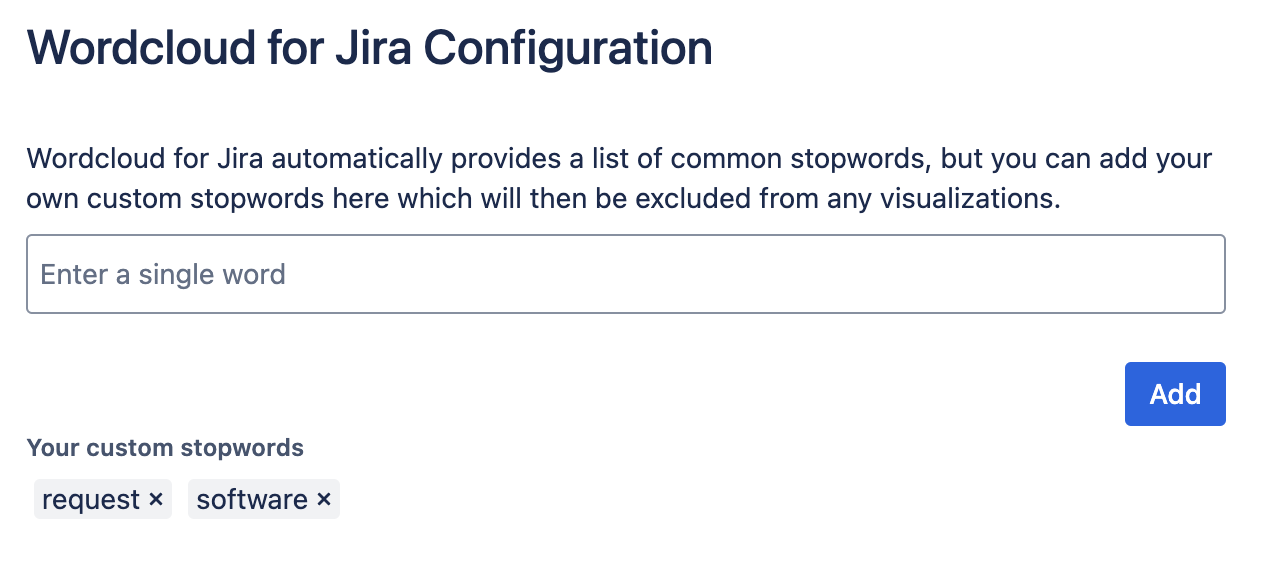
In the Global Configuration you can add your custom stopwords that will be removed from any visualisations in the app.